

Product content
that feels human.
Turn one product image or app screen into a creator-style shotboard and a spoken ad — ready for the next brief.
From reference to reel in one creative loop.
Start with the thing you need to show, then explore the moments your audience might actually stop for.
- Reference1
Add a reference
Upload the product image or app screenshot you want your creator content to keep in frame.
- Direction2
Direct the scene
Choose an avatar and describe the kind of content you want to make.
- Export3
Generate the reel
Select an output, send it through the reel workflow, and export in 9:16.
One reference. More ways to make it feel real.
Use one product image or app screen as the anchor, then explore different creator contexts without losing the thing you need to show.
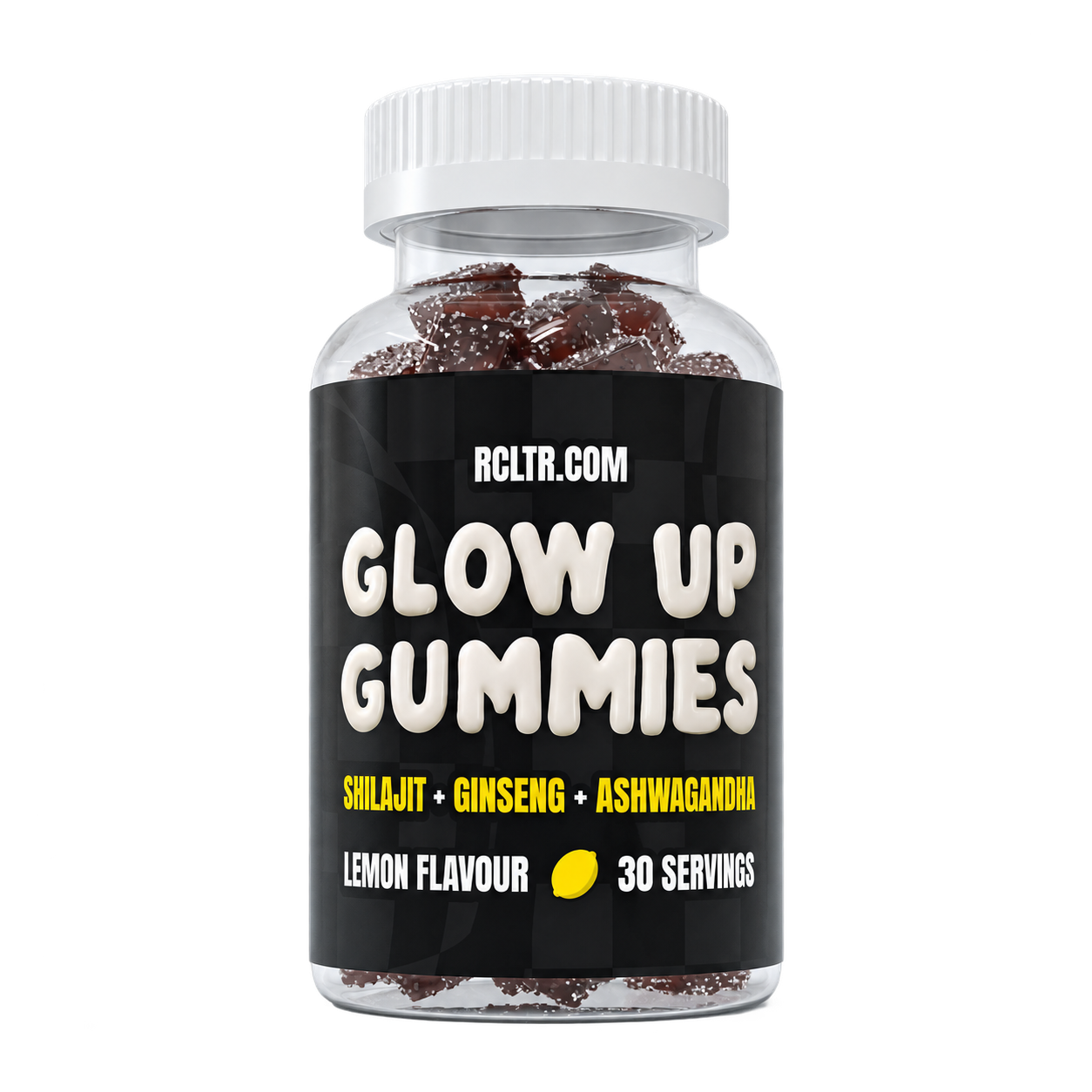
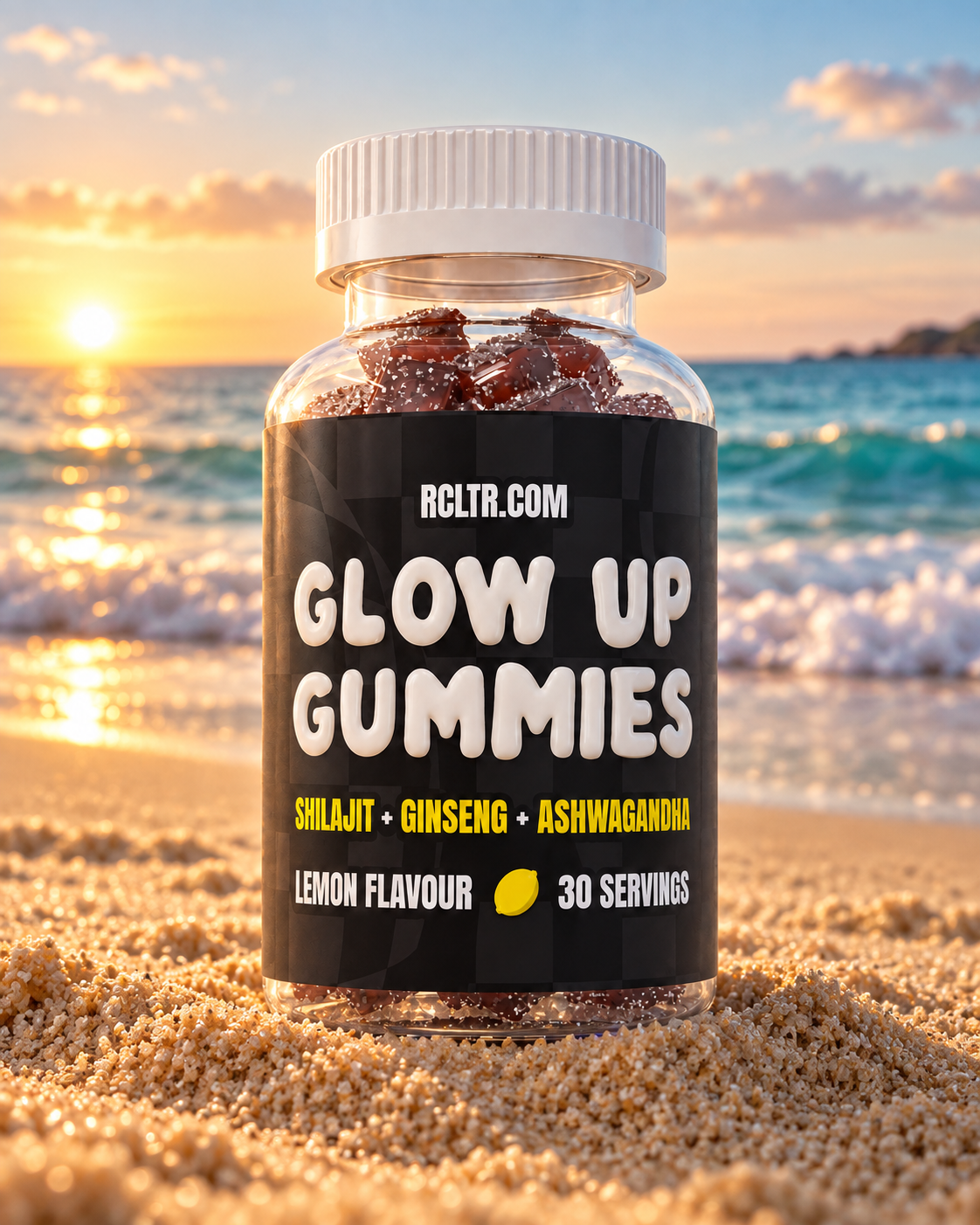

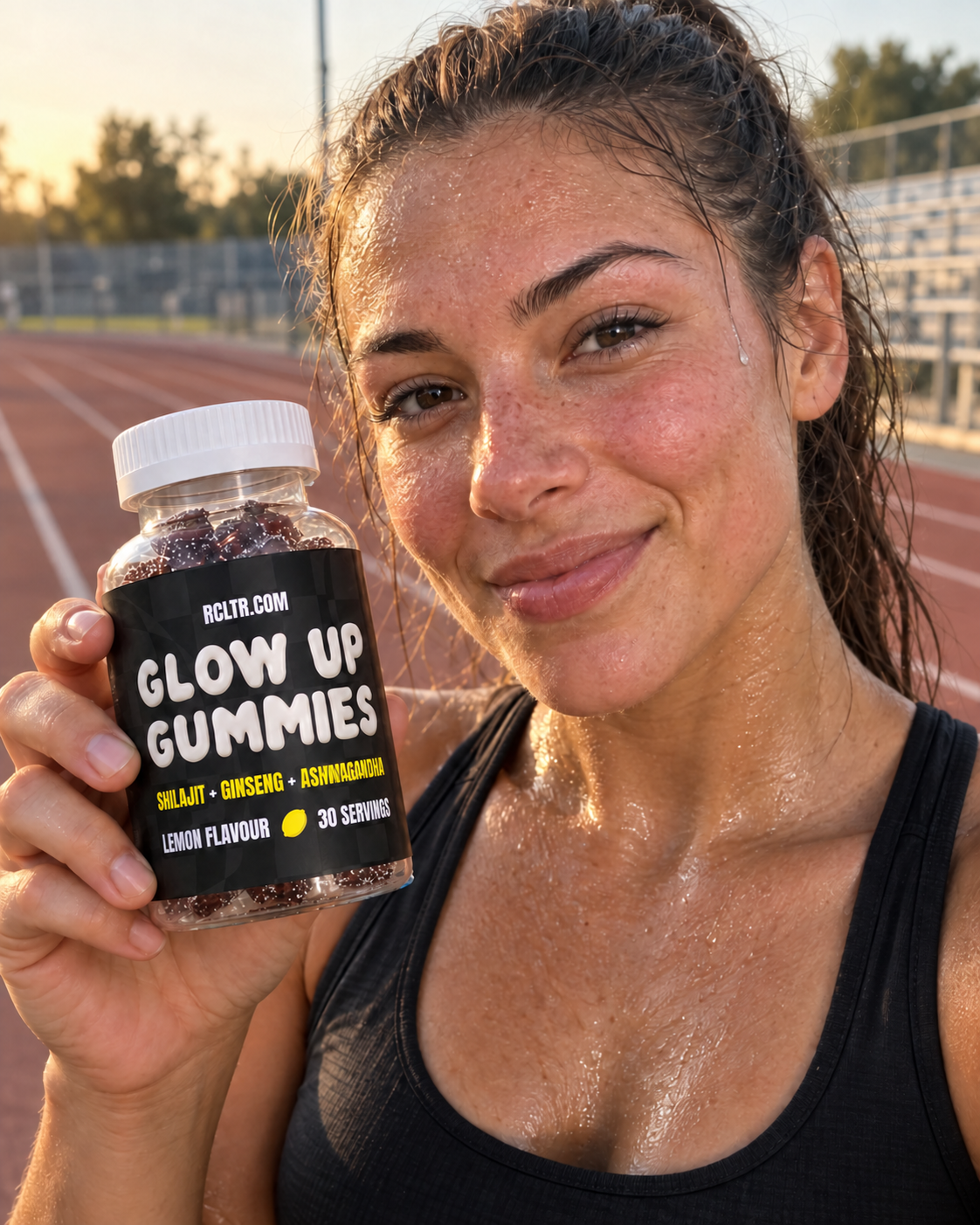



A reference can carry a lot of stories.
Every card below is a real looping preview from the existing EZUGC example set.
- Showcase
Product showcase
Looping preview - Lifestyle
Day in my life
Looping preview - Showcase
Product showcase
Looping preview - How-to
The secret to my skincare routine
Looping preview - Benefits
Product benefits
Looping preview - Review
These Glow Up Gummies changed my skin
Looping preview - Routine
One month using Glow Up Gummies
Looping preview - Review
Glow Up Gummies review
Looping preview
Choose your pace.
Start with tokens for the finish you need. The more consistently you publish, the further each token goes — so bigger plans are built to reward momentum.
Starter
- Monthly price
- $21/ month
- Best for
- For solo creators
- Monthly output
- 25 tokens · ~1 Standard / ~3 Budget UGC ads
- Token rate
- $0.84 per token
- Reference-aware avatar generations
- Editable speech scripts for 9:16 ad exports
- Commercial usage rights
Growth
Most popular- Monthly price
- $39/ month
- Best for
- For brands publishing every week
- Monthly output
- 60 tokens · ~4 Standard / ~7 Budget UGC ads
- Token rate
- $0.65 per token
- Reference-aware avatar generations
- Editable speech scripts for 9:16 ad exports
- Commercial usage rights
Pro
Best value- Monthly price
- $69/ month
- Best for
- For teams filling a full content calendar
- Monthly output
- 120 tokens · ~8 Standard / ~15 Budget UGC ads
- Token rate
- $0.58 per token
- Reference-aware avatar generations
- Editable speech scripts for 9:16 ad exports
- Commercial usage rights