 Start free
Slideshows
TikTok slideshows with your real product on every slide
EZUGC turns a product link into a finished TikTok slideshow or Instagram carousel. It writes 5 to 7 slides from your product page, makes a realistic photo for each one using your real product, and sets the text the way TikTok does. Edit anything, pick one of 8 fonts, and download PNGs or a video. It's included on every plan, Free too.
Real examples, slide by slide
Each deck below was made in EZUGC from the brand's own product page, with no edits.
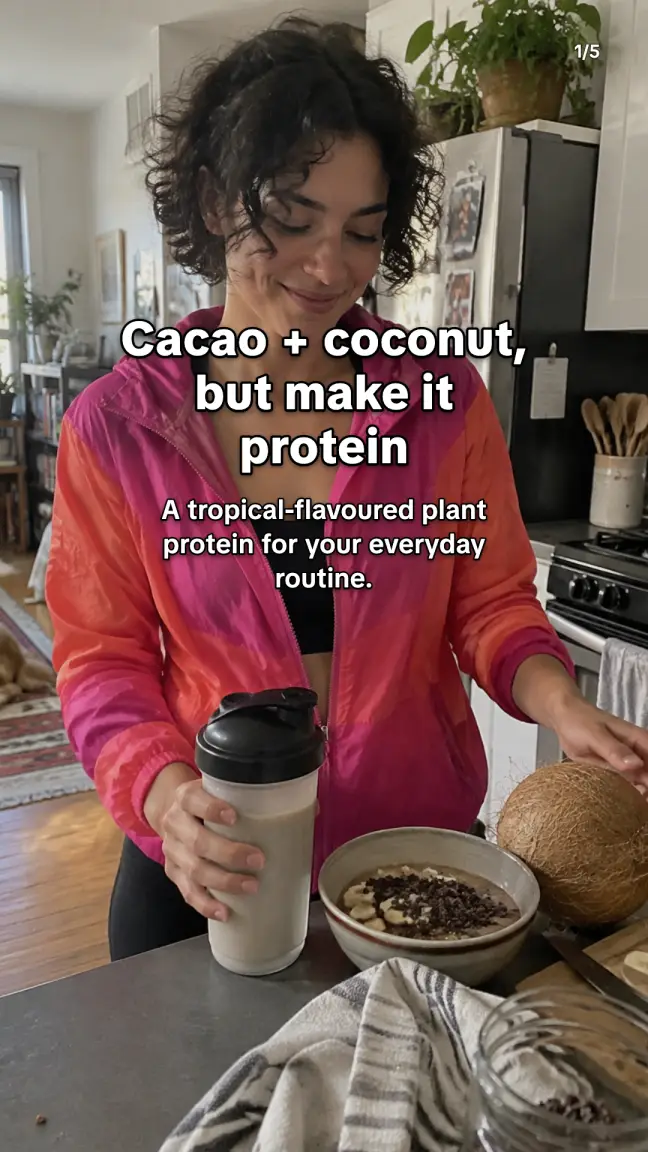
VIVO NUE: “Cacao + coconut, but make it protein”
Coco Bliss plant protein · Health food · from vivonue.com
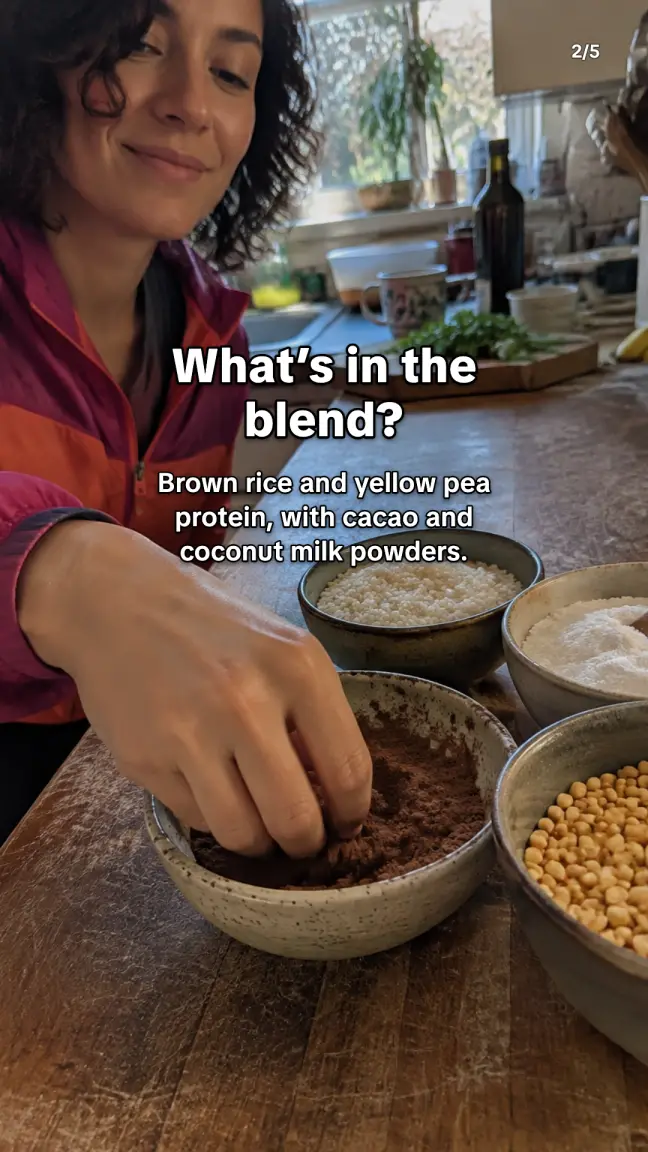
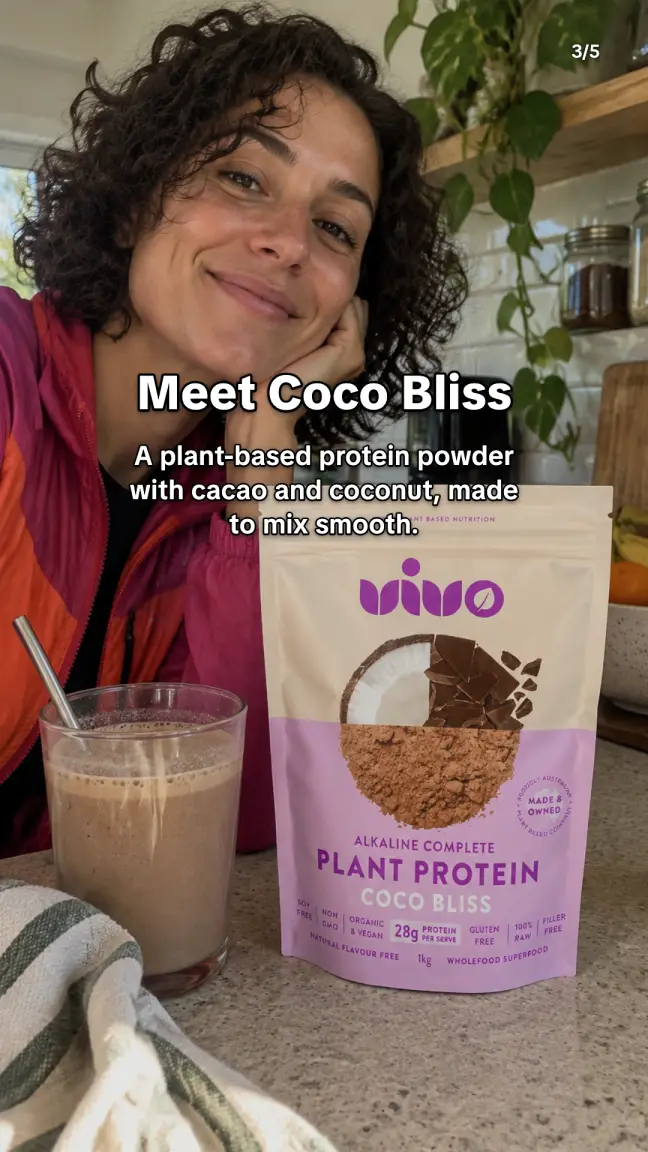
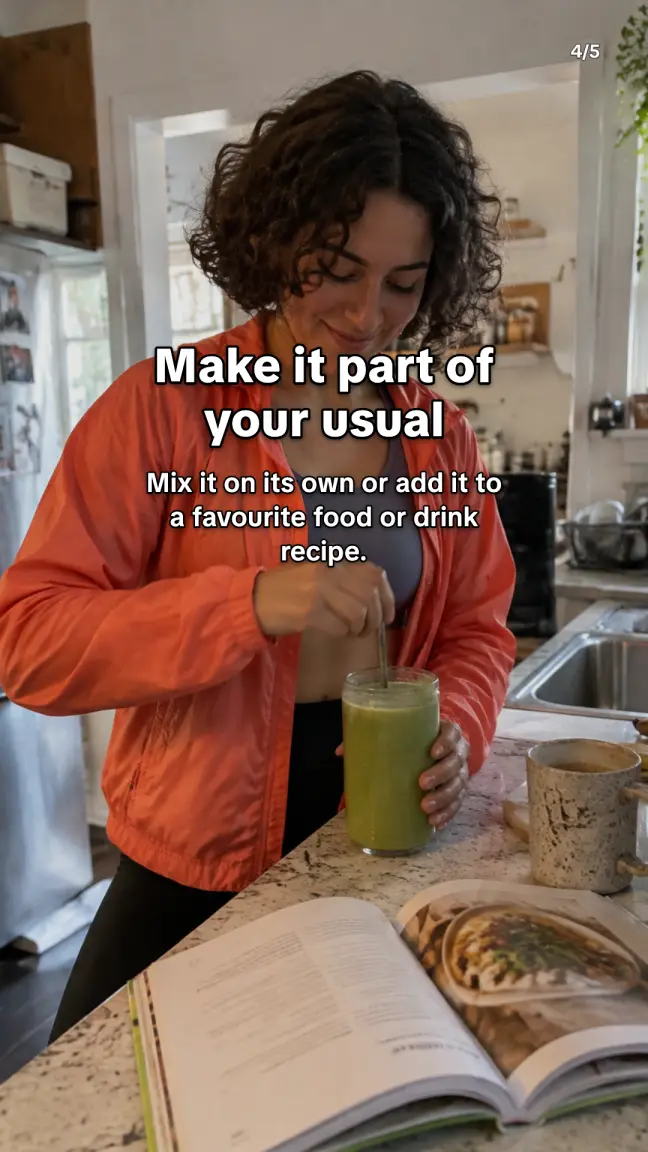
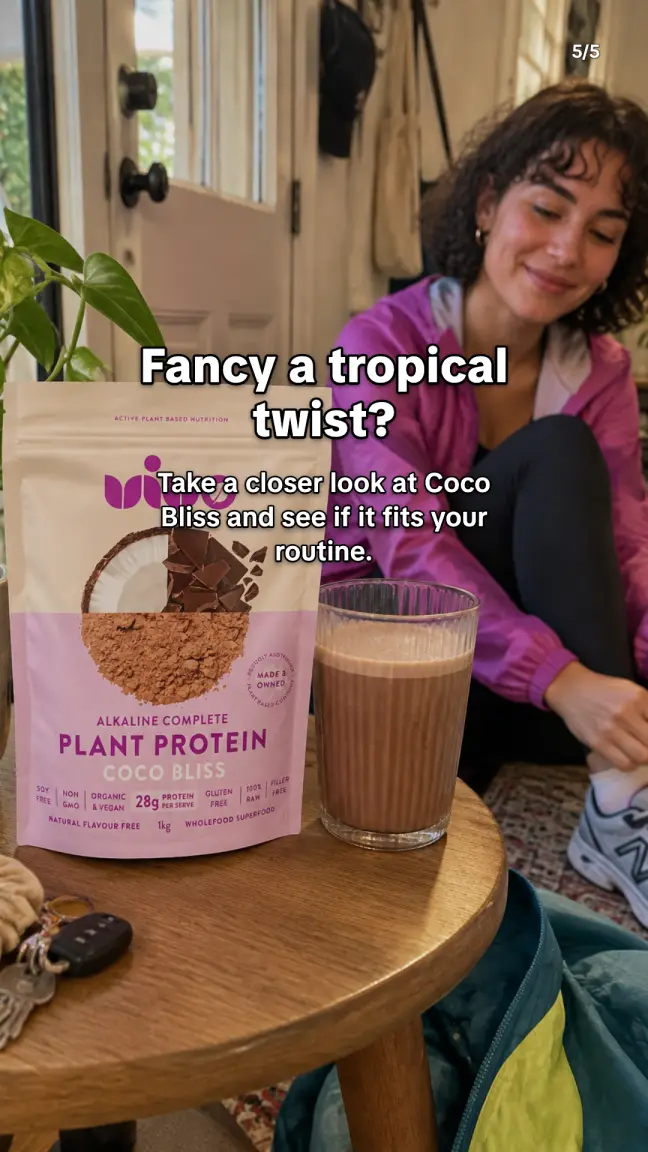
Caption: Cacao, coconut and plant-based protein in one smooth blend. Have a look at Coco Bliss and see if it suits your routine.
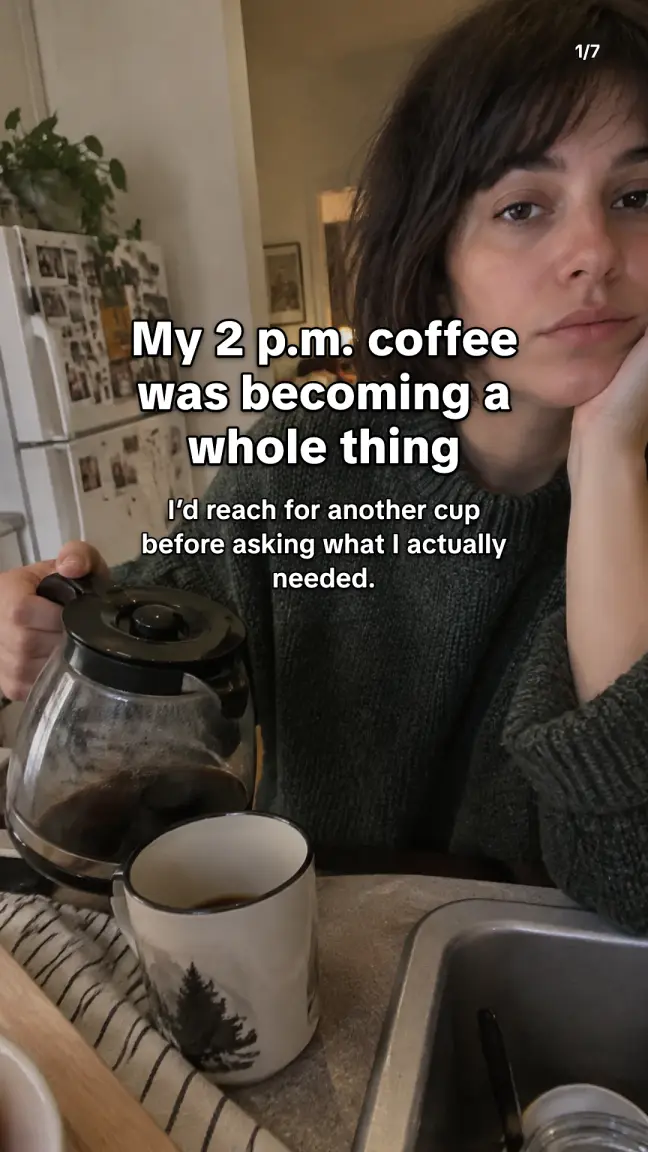
RCLTR: “My 2 p.m. coffee was becoming a whole thing”
Energy, focus and calm gummies · Wellness · from rcltr.com
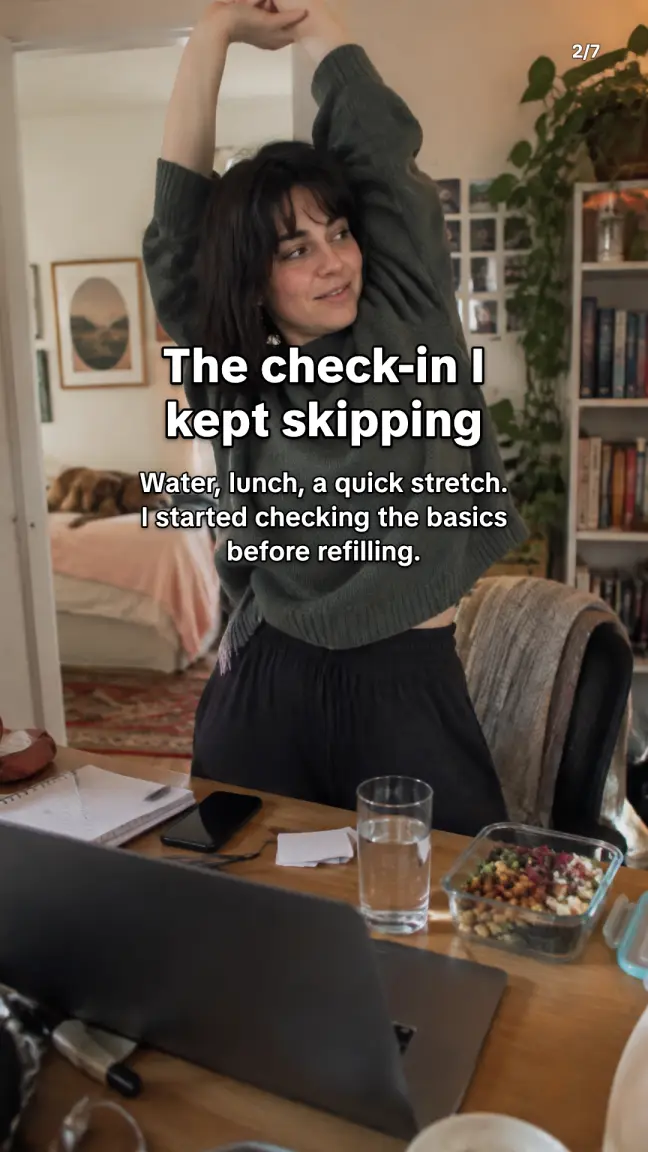
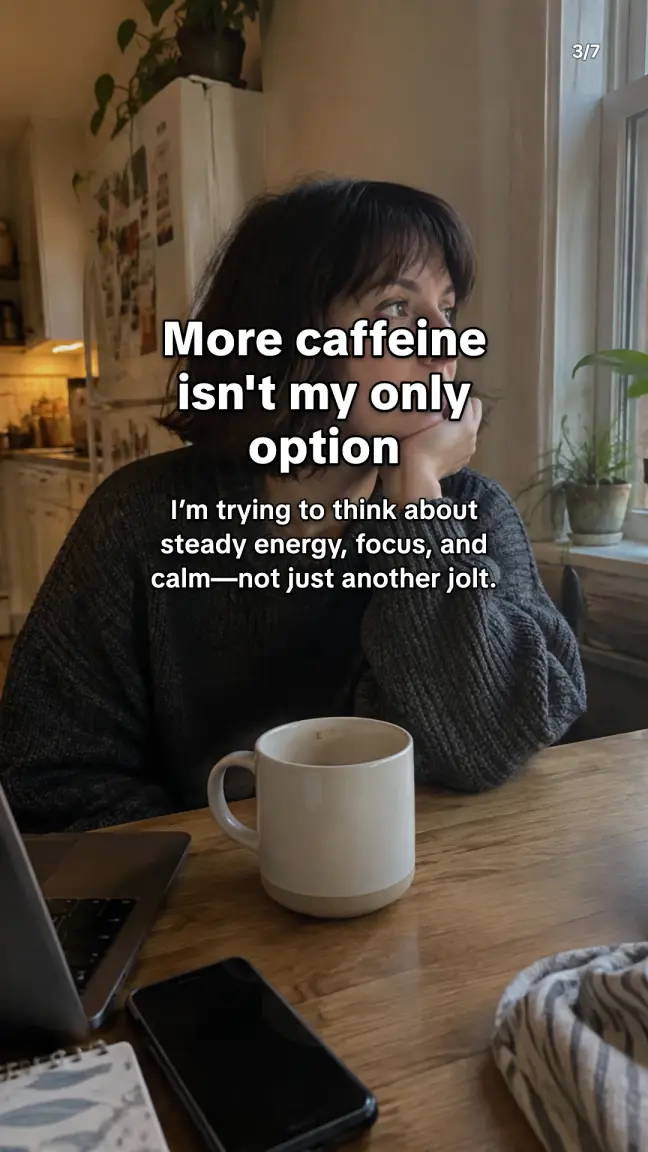
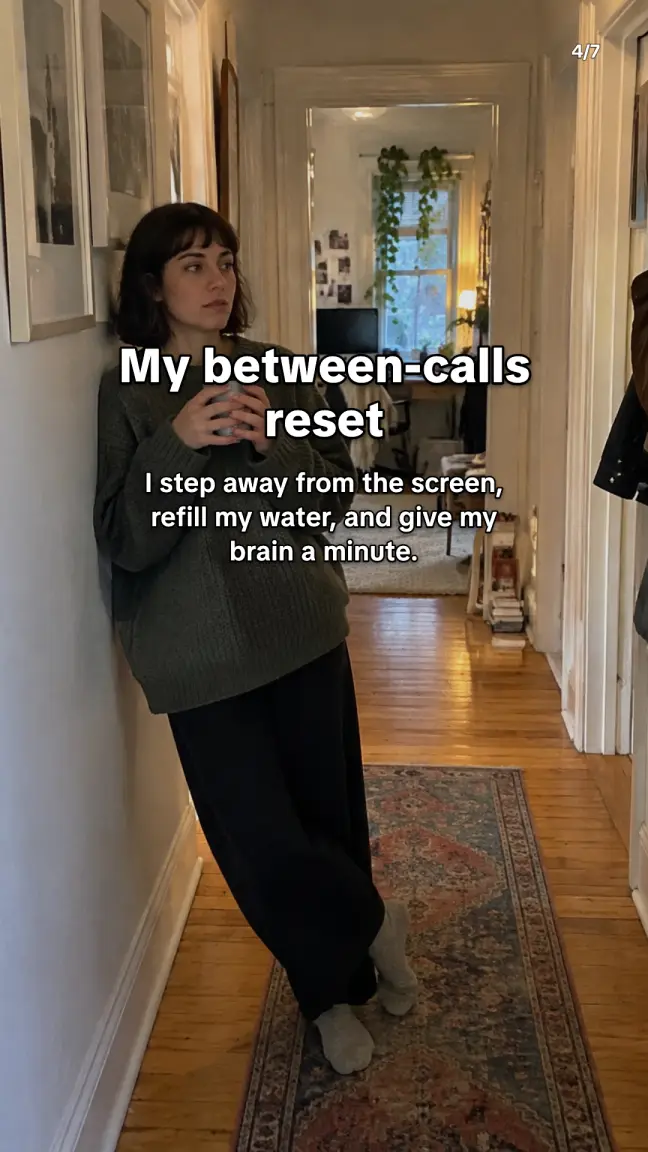
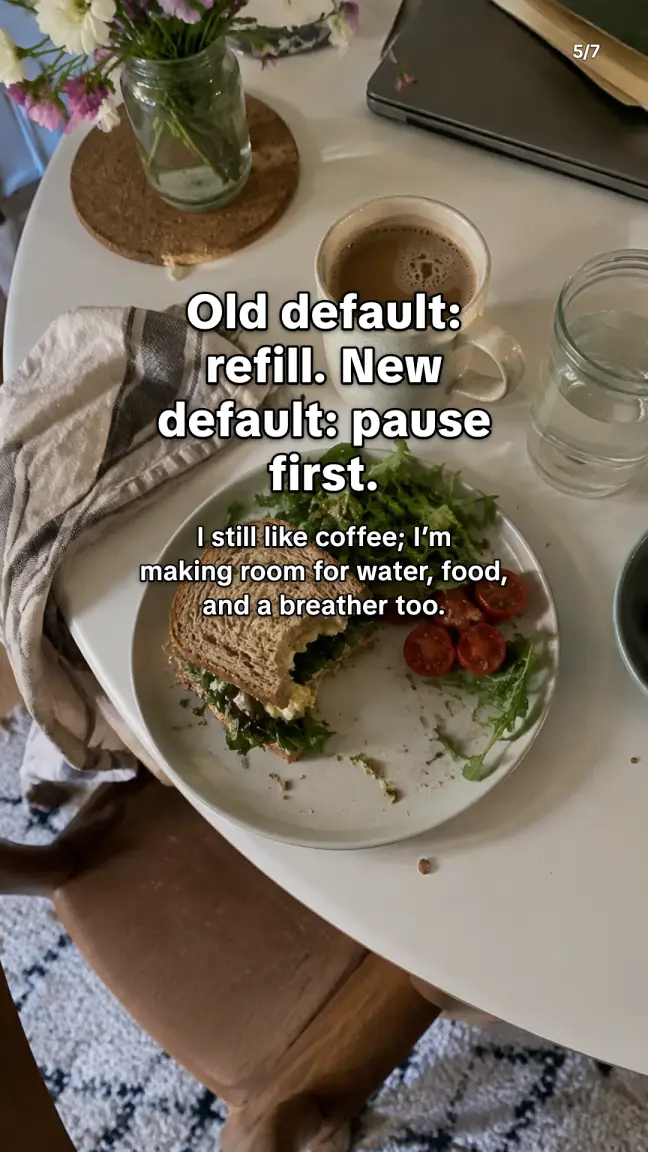
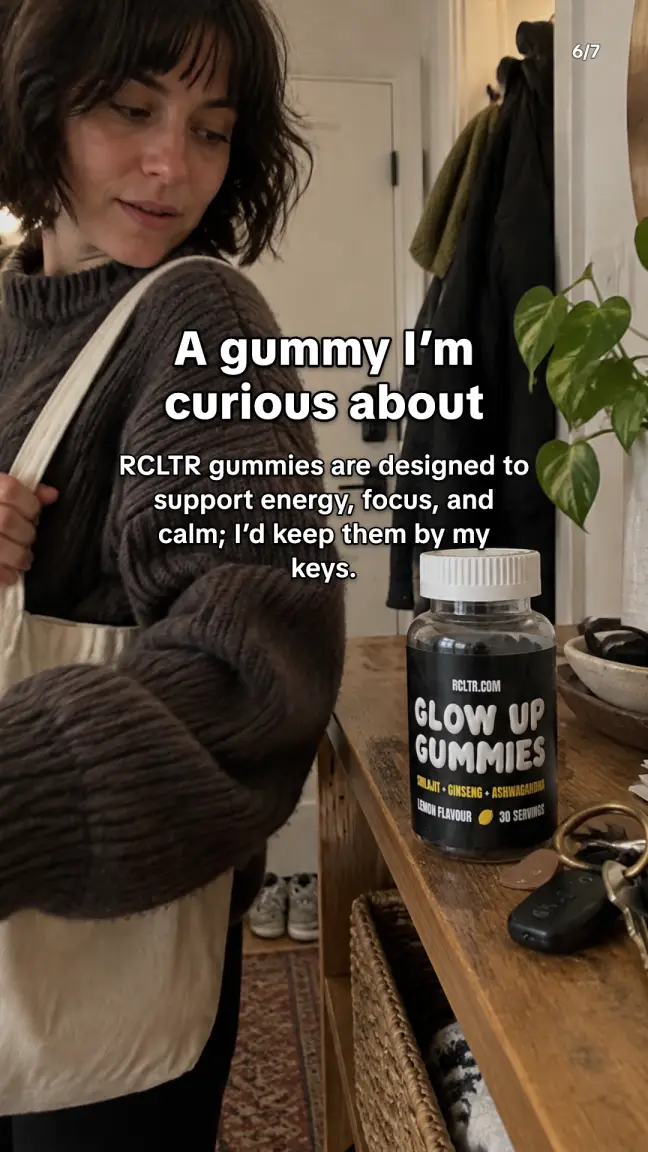
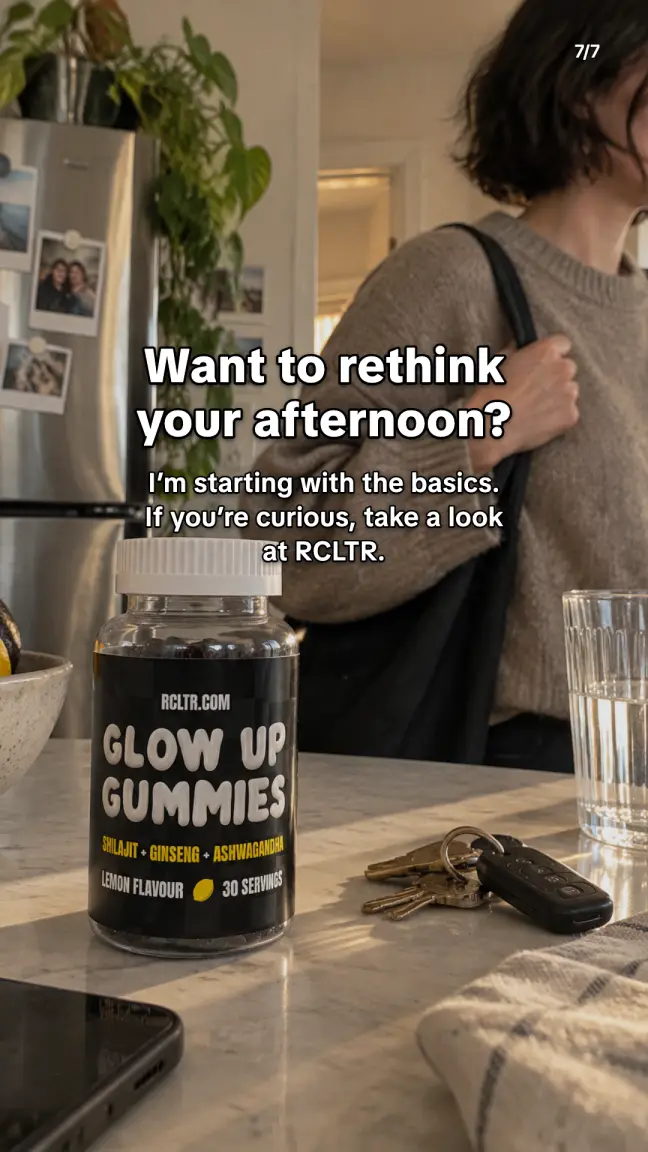
Caption: My afternoon routine needed a little more than another refill. I’m starting with the basics and figuring out what fits my day. If you’re curious, take a look at RCLTR.
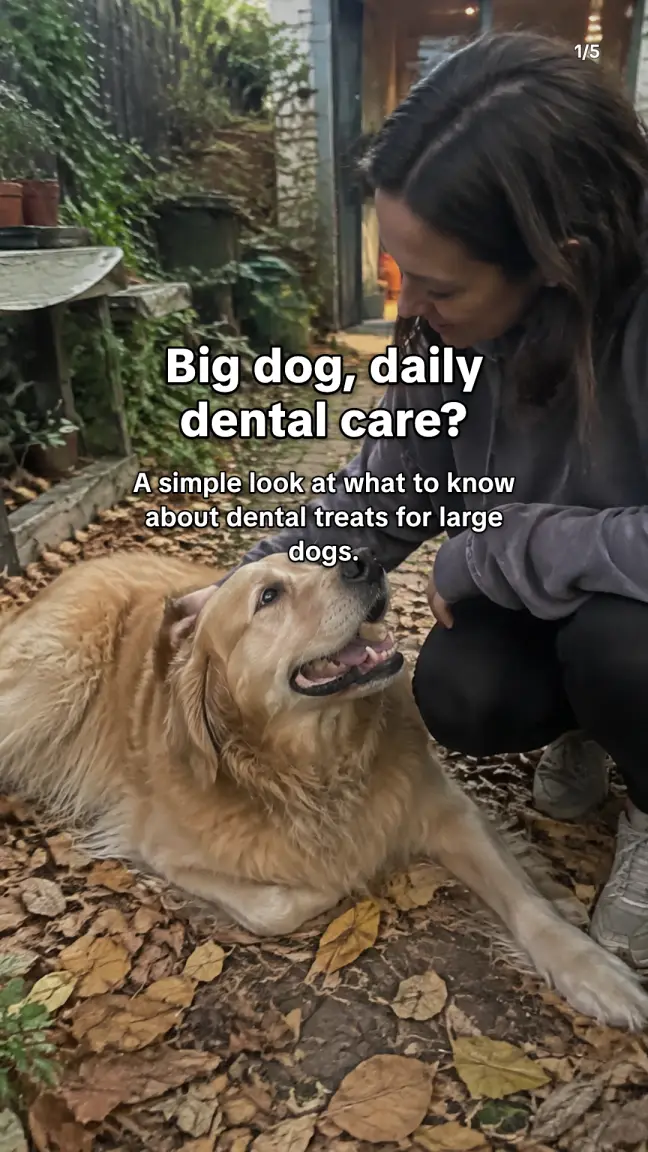
GREENIES: “Big dog, daily dental care?”
Original Large dental dog treats · Pet care · from greenies.com.au
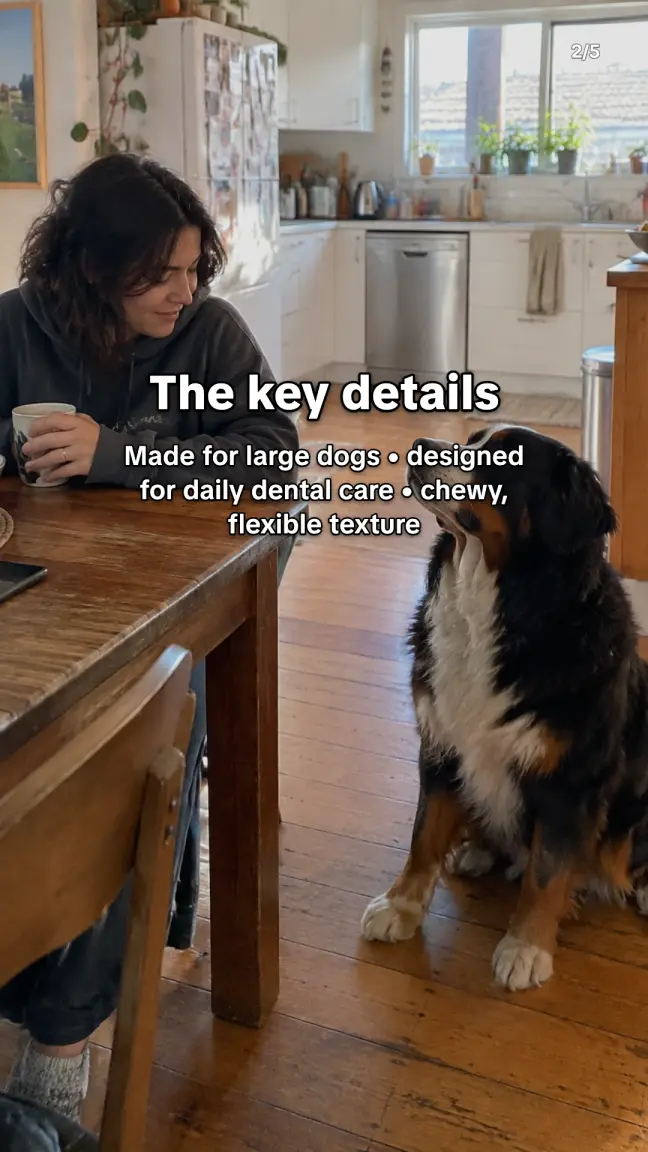
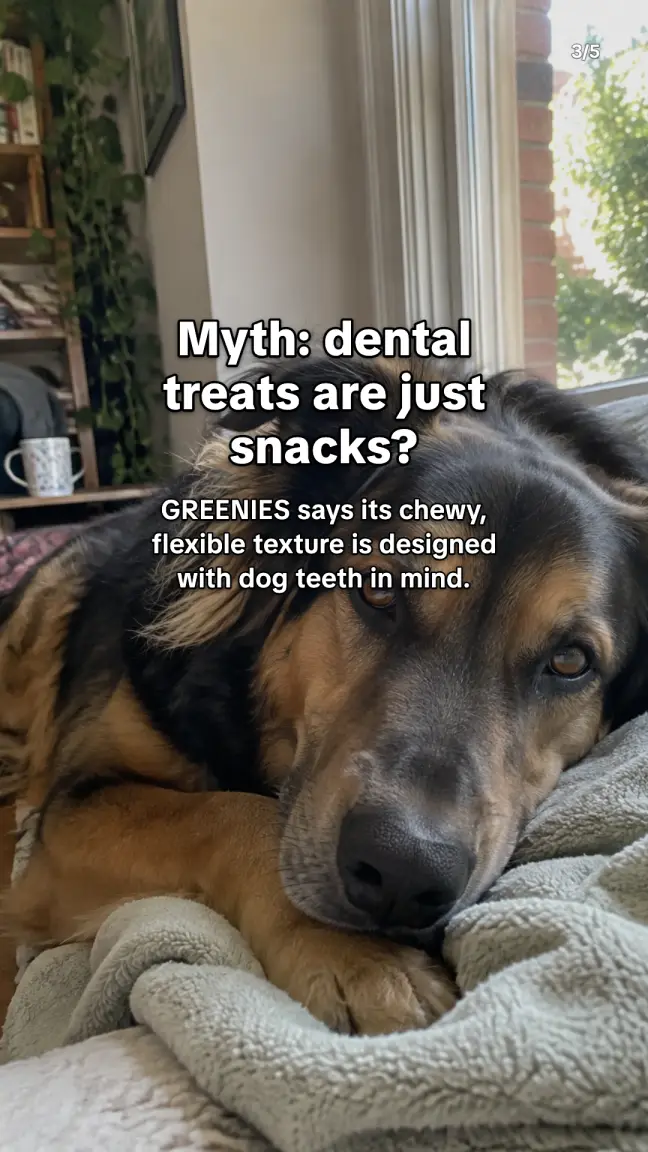
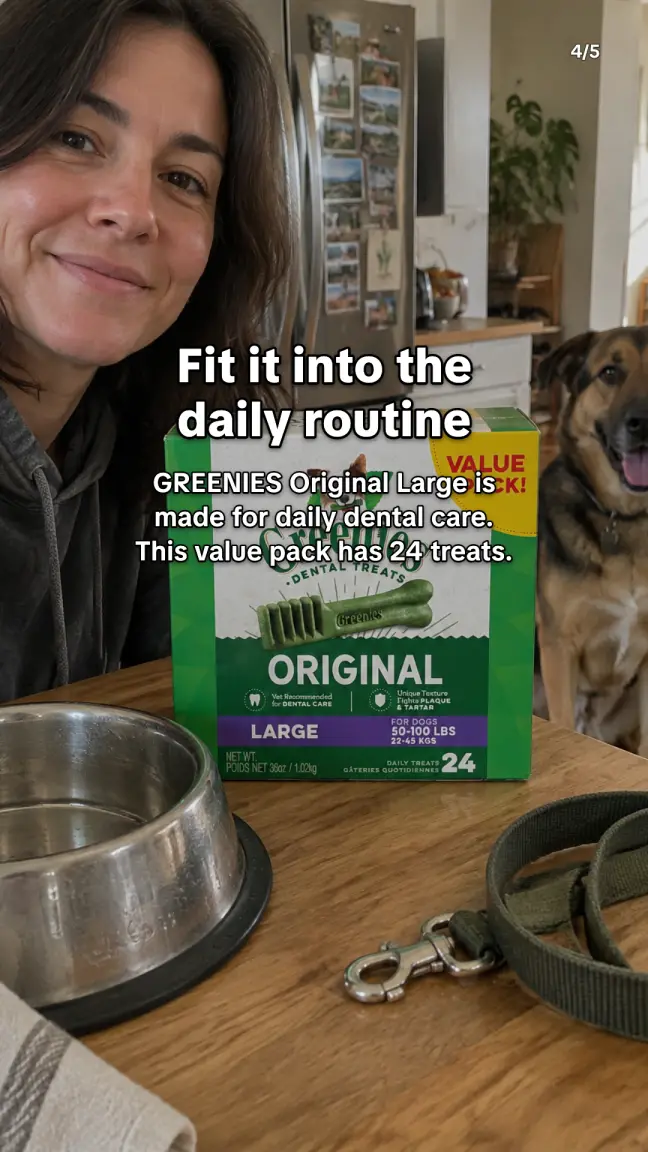
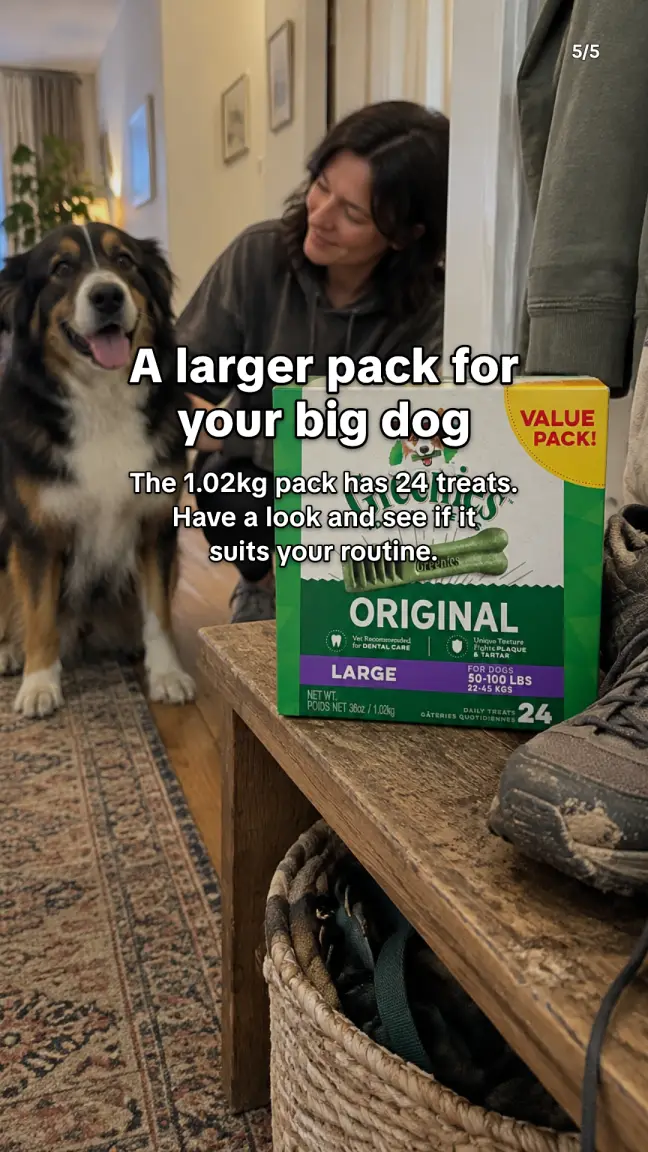
Caption: A little guide to daily dental treats for large dogs, plus a look at the 24-treat value pack.
How to make a TikTok slideshow
- Paste your product link. Start a project from your product page. EZUGC reads the page and writes a sourced product brief, so every slide sticks to what your page actually says.
- Pick a format and angle. Borrow the structure of a carousel that is doing well for brands like yours, or make one from scratch as a story, tips, a myth to bust or a routine.
- Get the finished deck. EZUGC writes 5 to 7 slides and makes a photo for each one. Slides that show the product are built from your real product photo, not a lookalike.
- Edit and post. Change any word, reorder slides, pick TikTok text or a caption look, and choose a font (TikTok, Bold, Clean, Headline, Poster, Elegant, Marker, Typewriter). Download PNG slides with the caption, or a video.
What brands use slideshows for
- Product explainers. What's in it, who it's for and how to use it, one idea per slide.
- Stories people relate to. A first-person routine or problem that ends with your product, like the RCLTR deck above.
- Myths and tips. Clear up a common belief in your niche, then show where your product fits.
What it costs
Slideshows are on every plan, including Free. Writing a deck, photos included, uses 1 AI call: Free has 20 a month, Starter 120, Growth 300 and Pro 700. Extra photos you make yourself use AI images. Editing, reopening and downloading are free. Full pricing ↗
Common questions
What is a TikTok slideshow?
A TikTok slideshow (Instagram calls it a carousel) is a post made of several still images that people swipe through, usually with short text on each one. They are quick to make, get saved and shared, and suit tips, stories and product explainers.
Does EZUGC put my real product in the photos?
Yes. Slides that show the product are made from the product photo in your project, so the pack, label and colour match. Lifestyle slides around it use a consistent, realistic person and setting across the deck.
How much does it cost?
Slideshows are on every plan, including Free. Writing a slideshow, photos included, uses 1 AI call from your monthly allowance (Free has 20, Starter 120, Growth 300, Pro 700). Extra photos you make by hand use AI images. Editing and downloading are free.
Which fonts can I use?
8 fonts: TikTok, Bold, Clean, Headline, Poster, Elegant, Marker, Typewriter. TikTok uses TikTok Sans, the font TikTok itself uses. Text can sit in the middle with an outline, like native TikTok text, or at the bottom as a caption over a soft shadow.
What do I get when I download?
A zip of 1080-pixel PNG slides (9:16 or 4:5) with the caption as a text file, or a video of the slides for posting where a carousel isn't available. Text never sits in the bottom strip that TikTok and Instagram cover with buttons.
Can I edit the slides after they are made?
Yes. Every word, the order of slides, the text look, the font and the shape can be changed, and the deck stays in your account. Reopening and exporting again costs nothing.
Make your first slideshow.
Paste a product link. Free plan, no card.
Start free ↗